
The Milwaukee Brewers are World Series champions, and Marquette is joining the celebration.
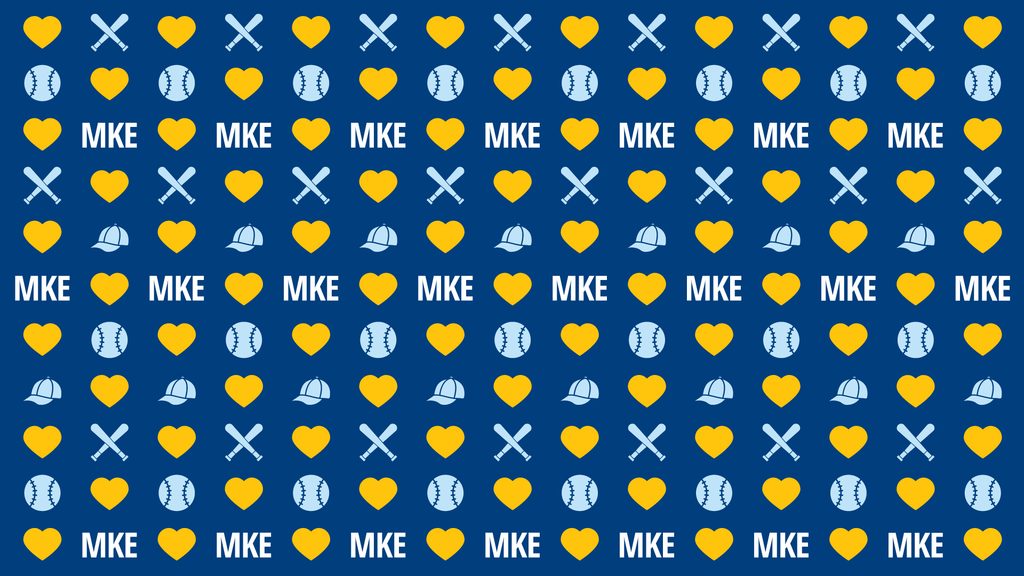
The Office of Marketing and Communication has designed a special Microsoft Teams background recognizing the Brewers’ championship and the university’s longstanding connection to both the team and the city of Milwaukee.
The Marquette letters at the corner of 12th Street and Wisconsin Avenue will also feature this pattern for a limited time.
The university has drawn awareness to Marquette’s location in Milwaukee in several ways, including a story highlighting Marquette alumni who work for the Brewers, Brewers-themed ribbons along Wisconsin Avenue, blue and gold lights on the Marquette portals, and advertising along highways and around American Family Field.
Faculty and staff are invited to download the background and use it during Teams meetings to show their Milwaukee and Marquette pride.
Download the Teams background
Right-click the image below and select “Save image as” to save it to your computer.
Add the background in Microsoft Teams
Before joining a meeting:
- Open the meeting in Teams and select Join.
- From the pre-join screen, select “Effects and avatars.”
- Select “More video effects,” then “Add new.”
- Find and select the downloaded Brewers x Marquette background.
- Select the background to apply it to your video.
Note that an uploaded background will remain selected for future meetings and calls until it is changed.