
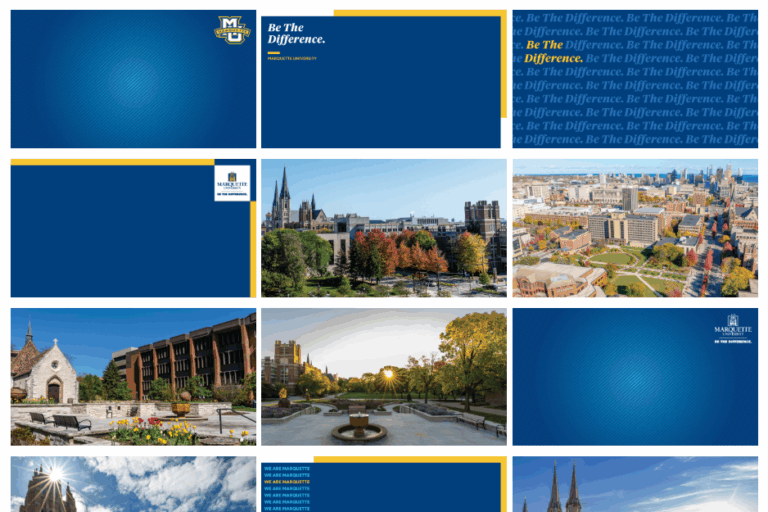
The Office of Marketing and Communication creates custom branded Marquette University backgrounds for use on Microsoft Teams. New options are available in the Marketing Toolkit on the OMC website.
To add these backgrounds to Teams:
- Turn on your camera
- Click on “Background effects” or “More video effects”
- Select “Add new” to upload an image from your computer
- Choose your image
- Click “Apply”